Free AI Video Generator
Every model.
Your take.
Kling, Wan, Veo and Seedance in one place · one credit balance · the price before you generate
New here? Sign up and make 1 free Wan 2.2 clip.
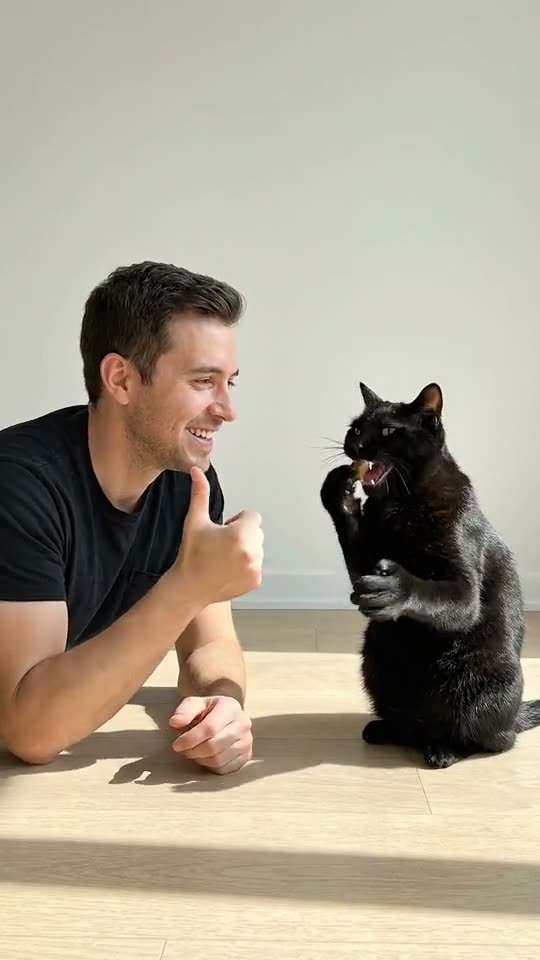
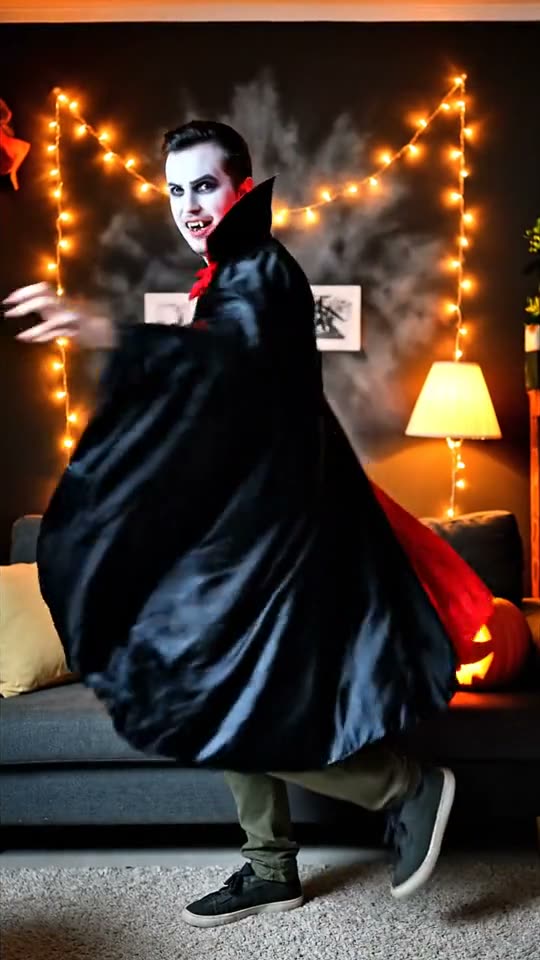


Owntake is a free AI video generator that puts the top video models in one place: try it with 1 free Wan 2.2 clip when you sign up, then use Kling 4.0, Veo 3.1, Seedance 2.5 and new models as they launch, with one credit balance and the price shown before you generate.
AI Video Models
Every model sits behind the same prompt box. Try it free on Wan 2.2, then switch to Kling 4.0, Wan 3.0, Veo 3.1 or Seedance 2.5 when a shot needs more length, resolution or sound. See every model, side by side, in AI video models.
How the Free AI Video Generator Works
Three steps, no setup. You never install anything or rent a GPU.
- 1
Sign up and try it free
Create an account with Google or email. New accounts get 1 free Wan 2.2 clip: a few seconds long, made from a photo.
- 2
Write a prompt or upload a photo
Describe the shot: who is in it, what they do, how the camera moves. Or add a photo and the AI video generator brings it to life.
- 3
Generate, download or try another model
Watch the clip, download the MP4, or run the same prompt on another model and keep the take you like best.

Trending This Week
New models and effects land here the day they open. Make the Clapping Cat AI meme with your own cat, or turn one photo into a dance with the AI Dance Video Generator. Everything new is on trending AI videos.
Compare the Models
It depends on the shot. People, products, anime and fast camera moves each favour a different model, and the price per clip differs too. See each model on the kind of shot it does best in the best AI video generator test, then run your own prompt on the one that fits.
Free vs Paid
Wan 2.2 is the free AI video generator for quick drafts from a photo. Kling 4.0, Wan 3.0, Veo 3.1 and Seedance 2.5 are the paid models for longer takes, higher resolution and native sound. One credit balance covers all of them.
What You Get for Free
Wan 2.2, free trial
- Credits
- 1 free clip (20 credits) on sign-up
- Input
- Photo
- Clip
- 3.5 s · 480p
- Sound
- No
On the free AI video generator, the free clips run on Wan 2.2, an open model from Alibaba that turns a photo into a short clip. Every new account gets one, and the generator always shows what a clip will cost before you press Generate. Paid models use paid credits; nothing is charged without your confirmation.
When a shot needs more
5 paid models
- Kling 4.0
- up to 30 s · 1080p · 235 cr · 5 s 720p
- Wan 3.0
- up to 30 s · 1080p · 135 cr · 5 s 720p
- Veo 3.1
- up to 8 s · 4k · 50 cr · 8 s 720p
- Seedance 2.5
- up to 30 s · 1080p · 235 cr · 5 s 480p
- Seedance 2.0
- up to 15 s · 720p · 125 cr · 5 s 720p
Why Use Owntake as Your AI Video Maker
An AI video maker should get out of the way. These are the four things we hold ourselves to.
The newest models the day they open
When a new model ships an API, it shows up on Owntake the same day. No waitlist, no new account.
One credit balance for every model
Skip four subscriptions. One balance works on every model, so you can compare without paying four times.
The price before you generate
The exact credit cost is on the button before you press it. No surprise multipliers.
Failed videos are refunded
If a render fails or times out, the credits go straight back to your balance.
 Your photo
Photo to Video
Have a photo instead of a prompt? Use image to video AI to turn a photo into a video: upload a portrait, a product shot or an old family picture, describe the motion, and pick a model.
Pricing and Credits
Credit packs never expire; monthly plans add a fresh batch of credits every month. Every model's price per clip is on the Owntake pricing page.
FAQ
Is Owntake really free?
Yes, to start. Owntake is a free AI video generator for anyone with an account: every new account gets 1 free Wan 2.2 clip. Paid models such as Kling 4.0, Veo 3.1 and Seedance 2.5 use paid credits, and the price shows before you generate.
Which model do the free clips use?
Wan 2.2, an open image-to-video model from Alibaba. The free clips are for Wan 2.2 only; the paid models use credits you buy.
How many free videos can I make a day?
Each new account gets 1 free Wan 2.2 clip. After that, switch to a paid model: credits come with a plan or a one-time pack, and the price shows before you generate.
What is the difference between an AI video generator and an AI video maker?
An AI video generator is the model that turns text or a photo into frames. An AI video maker wraps generators in a tool you can use: presets, prices, downloads and the option to switch models. Owntake is the maker; the models are the generators.
Do the videos have a watermark?
No visible watermark. Some models add an invisible provenance mark, such as Google's SynthID in Veo videos.
How long do you keep my videos?
Your videos stay in My videos for 30 days so you can download them. Uploaded photos are deleted within 24 hours.
Do you use my photos to train AI?
No. Your photos are used only to make the videos you ask for, and we never use them to train AI models.
How long does a video take?
Most clips are ready in one to four minutes, depending on the model and length. The page updates on its own.
Can I use the videos commercially?
Videos you make with paid credits can be used commercially, subject to our terms and the model developer's terms. Do not upload photos of people without their consent.
Is Owntake affiliated with Kling, Google, Alibaba or ByteDance?
No. Owntake is an independent platform that runs their models through licensed APIs.
Make your first take.
One free Wan 2.2 clip to try it, then every top model on one balance.
Start generating